Supercharge Your Retail Operations
Built for African Retail
Every single line of code in SwiftPOS was built specifically to address the core challenges of physical retail in Africa — zero-friction offline processing, complete inventory visibility, internal theft mitigation, and multi-branch intelligence.
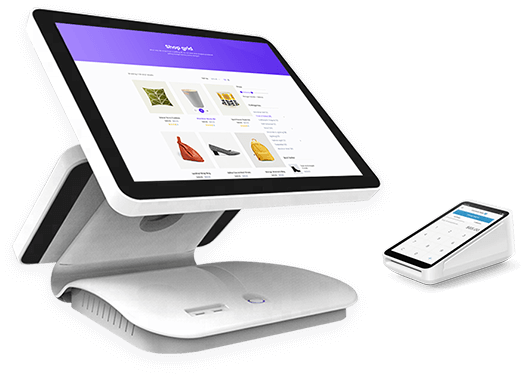
Point of Sale
A lightning-fast, intuitive checkout interface designed for busy counters. Process sales in fractions of a second, scan barcodes instantly, print crisp receipts, and process multiple payment methods seamlessly.
- Dual POS Interface (Classic List + Visual Grid Card Layout)
- Flexible Payments (Cash, Bank Transfer, QR, Card split support)
- Offline Mode (Transactions cache locally and sync automatically)
- Sticky Carts (Temporarily hold open carts to avoid long queue lines)
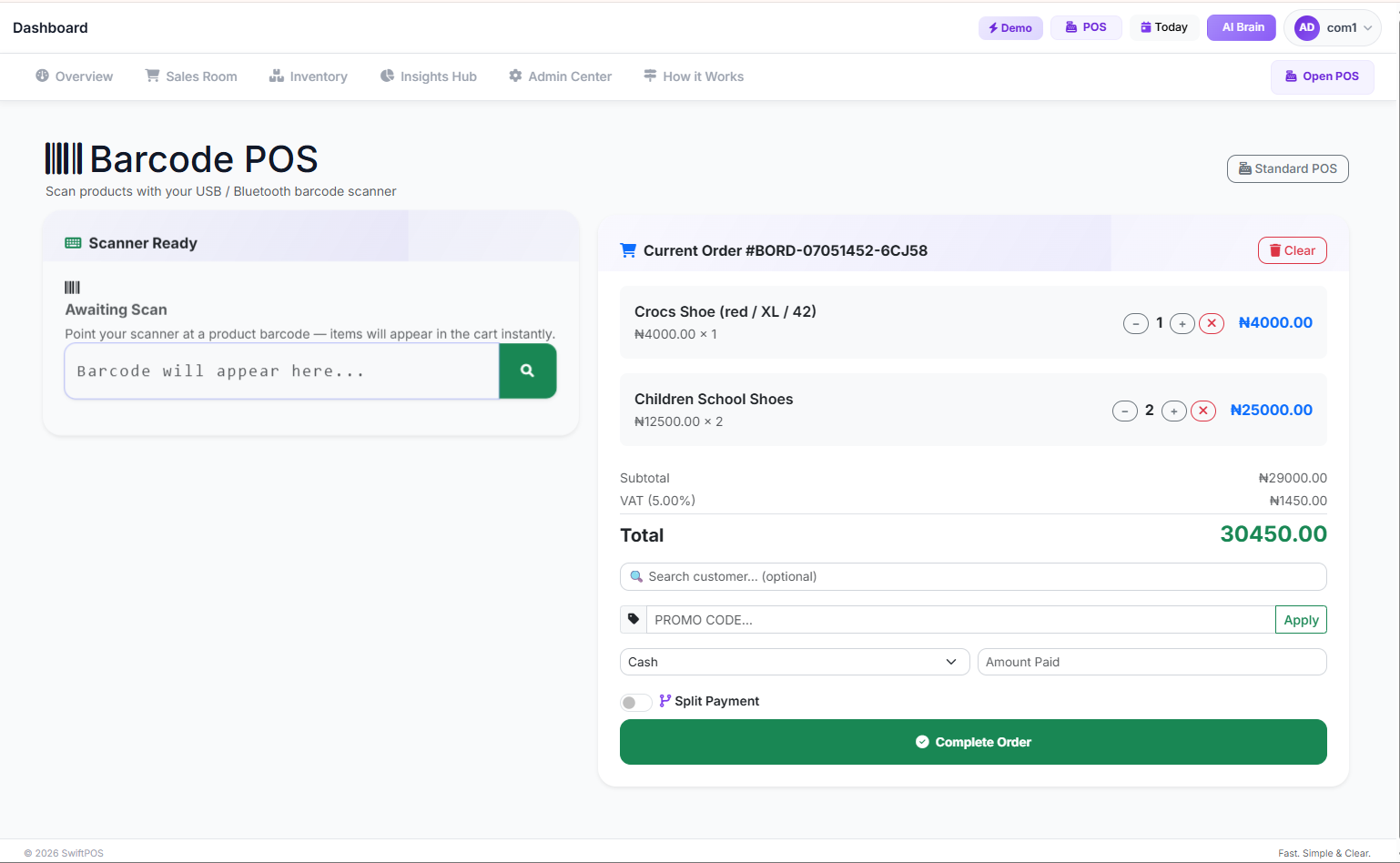
Barcode Scanning POS
Say goodbye to slow keyboard searching. Scan and check out inventory faster using external handheld barcode guns, desktop readers, or directly through your tablet or mobile camera.
- Device agnostic support for both USB/Bluetooth guns & system cameras
- Integrated flashlight support for scanning in low-light environments
- Instant scan cart additions without refreshing the browser frame

Inventory Control
Maintain 100% precision over your stock catalog. Automatically log product SKU volumes, manage item expiration details, upload databases in bulk, and receive real-time warnings before you run out of stock.
- Real-time automatic SKU levels recalculation on each sales record
- Out-of-Stock and low inventory threshold SMS/WhatsApp notifications
- Complete tracking histories (supplier invoices, returns, stock additions)
- Ultra-fast bulk CSV upload system to easily import thousands of products
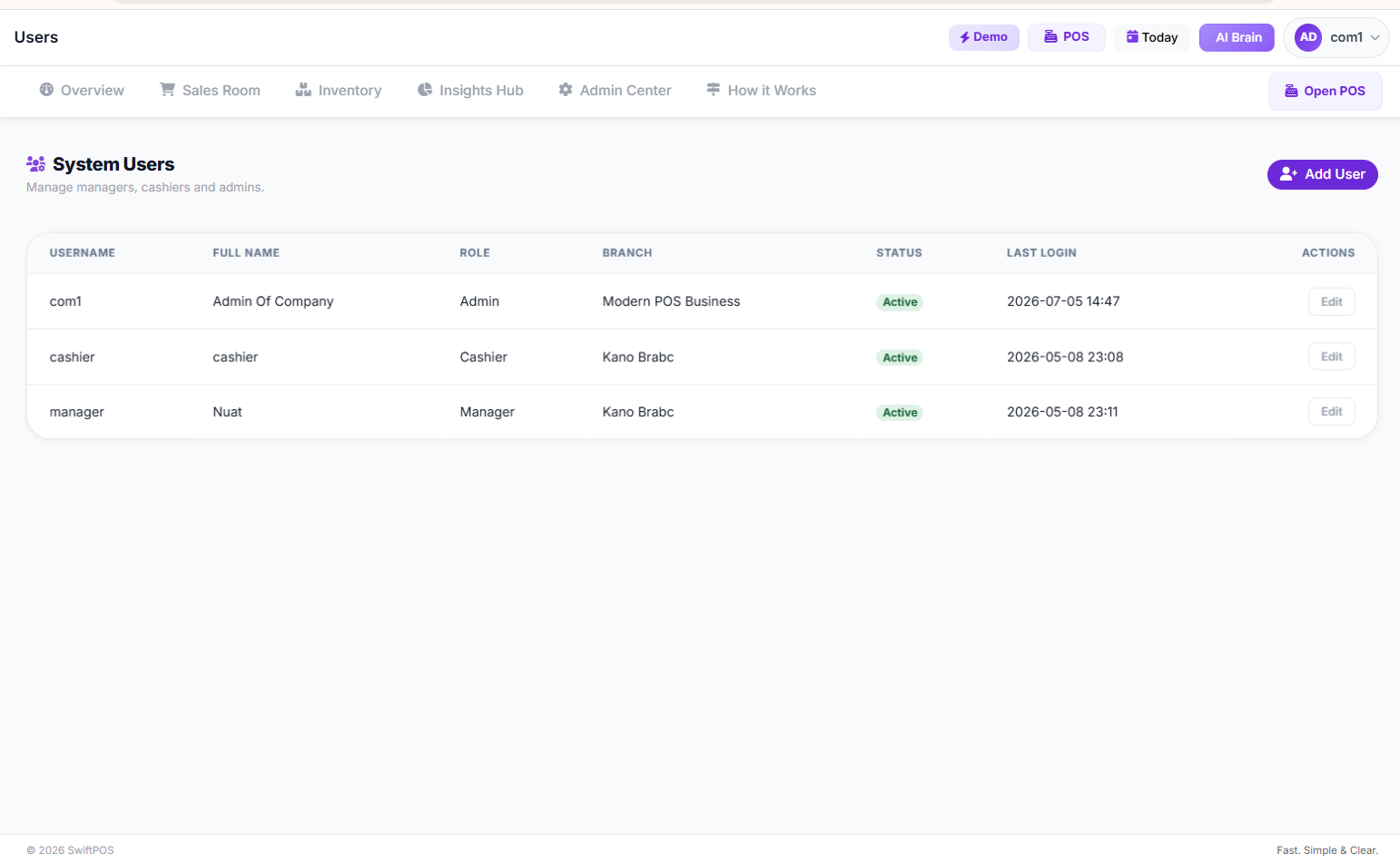
Anti-Theft Staff Control
Establish complete store integrity. Restrict unauthorized edits, require supervisor pin approval before executing refunds, monitor performance metrics, and view real-time operations activity feeds.
- Granular role allocations (Cashiers, Shift Supervisors, Managers)
- Required high-security PIN permissions for inventory write-downs
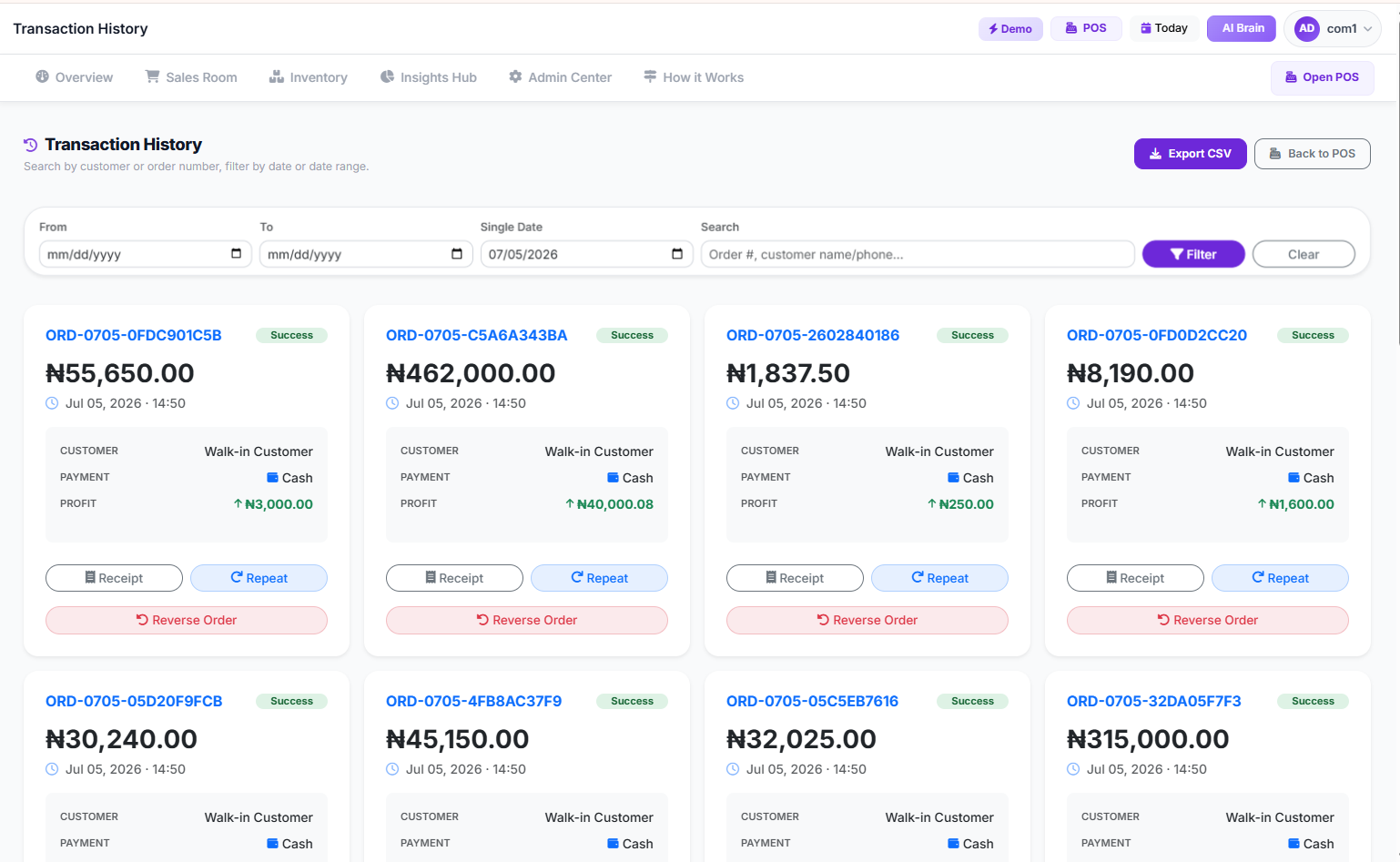
- Complete immutable anti-theft database audit logs
- Suspicious checkout detection algorithms (e.g. repetitive voided items)
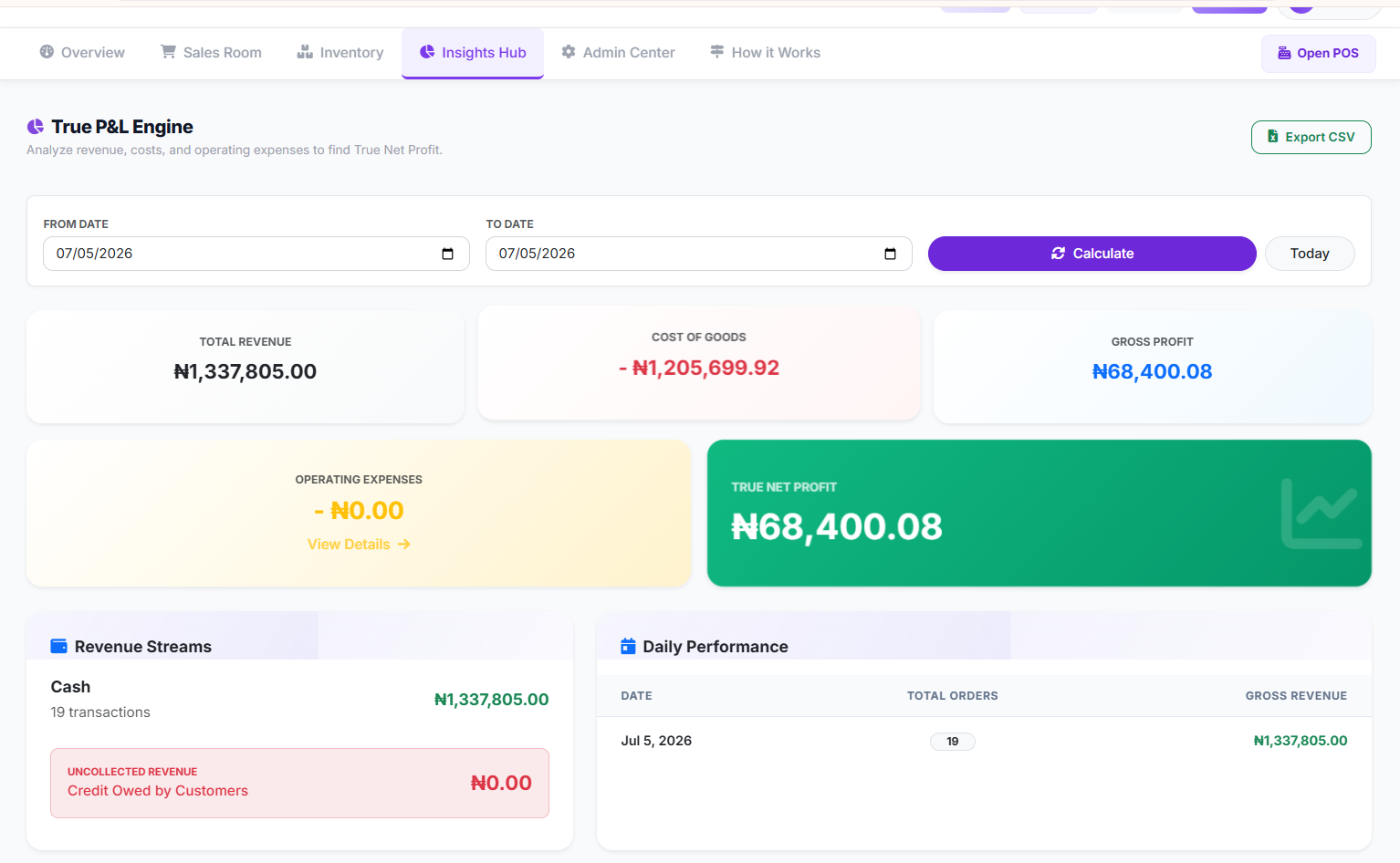
Profit & Loss Analytics
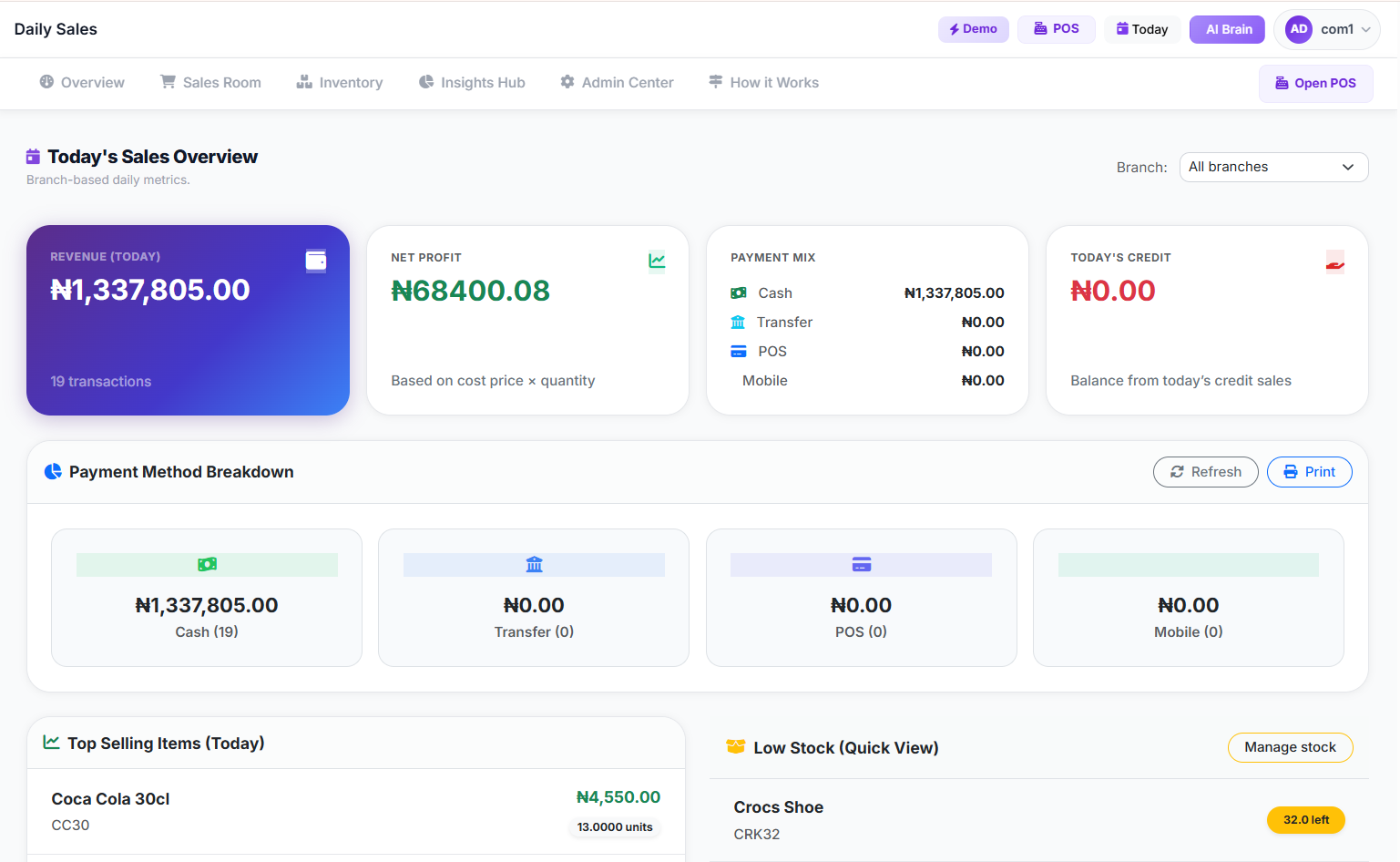
Know precisely where every single Kobo goes. Compute business net profits in real-time, record overhead expenditures (rent, power, fuel), view invoice values, and download financial statements.
- One-click automated Profit & Loss (P&L) performance sheets
- Breakdowns of payment methods (Cash flow vs. Bank Transfers)
- End of Day reconciliation summaries emailed directly to owners
- Complete spreadsheet exports of data (compatible with CSV & PDF formats)
Multi-Branch Control
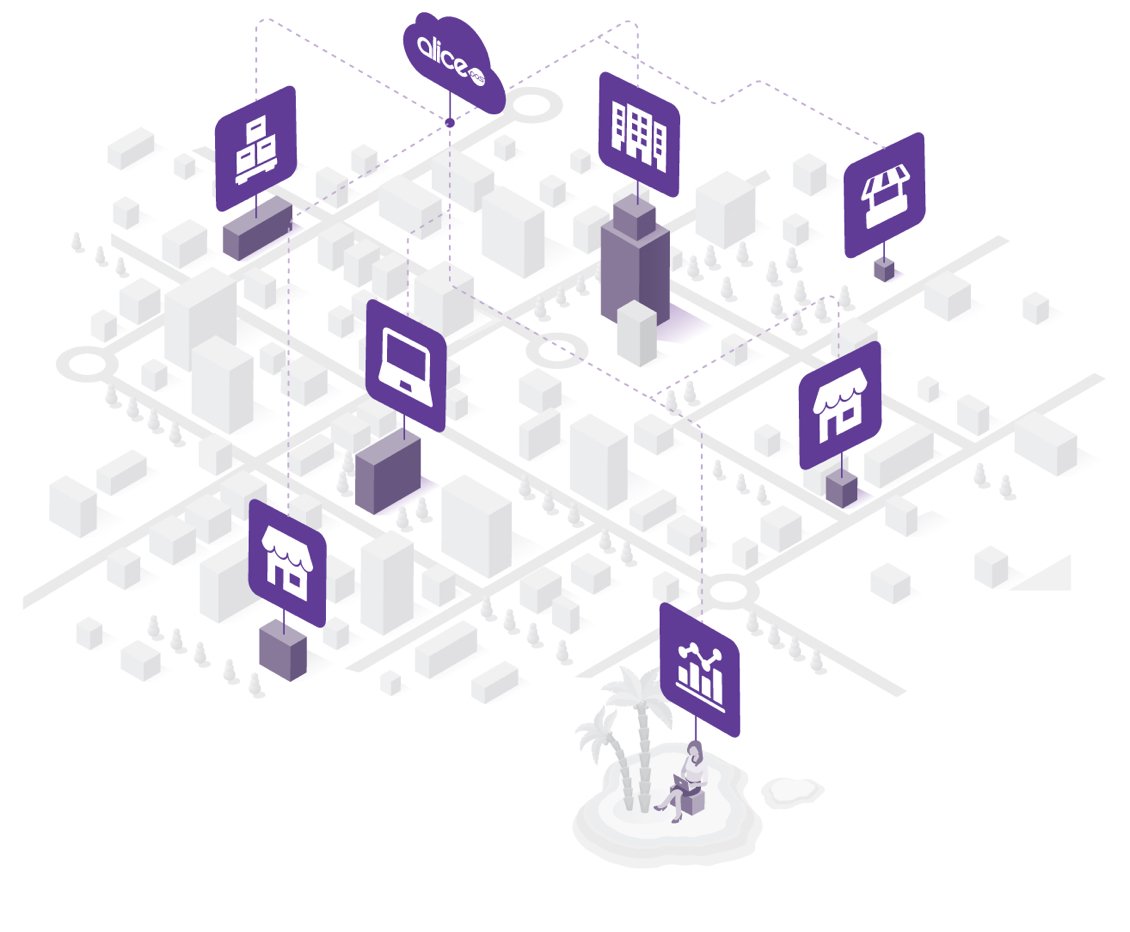
Consolidate growing retail networks. Keep a bird's eye view over stock distributions, check cash levels across separate sites, and shift inventory seamlessly from one warehouse location to another.
- Fully centralized, global headquarter control centers
- Per-branch stock balances and staff check-in details
- Intra-branch inventory movement request processing
How SwiftPOS Runs Your Daily Business
A simple, elegant flow connecting your stock, staff, and counter sales straight to your pocket.
Step 1 — Instantly Import Stock
Upload your existing product database in bulk using a simple CSV file, or scan items one by one using a barcode gun. Your digital ledger is ready in minutes.
Step 2 — Assign Cashier PINs
Create individual profiles for your checkout staff. Secure roles ensure cashiers can scan and check out, while sensitive price edits require manager PIN authorization.
Step 3 — High-Speed Sales
Ring up items instantly at the till. Accept multiple payment options (Cash, POS Card, Bank Transfer) and print professional invoices or receipts. Even works 100% offline.
Step 4 — Real-time Real Profit
Receive automatic daily reconciliation sheets via email. Track gross revenue, subtract supplier invoices and daily expenses, and get clear Net Profit transparency immediately.
Your store in your pocket.
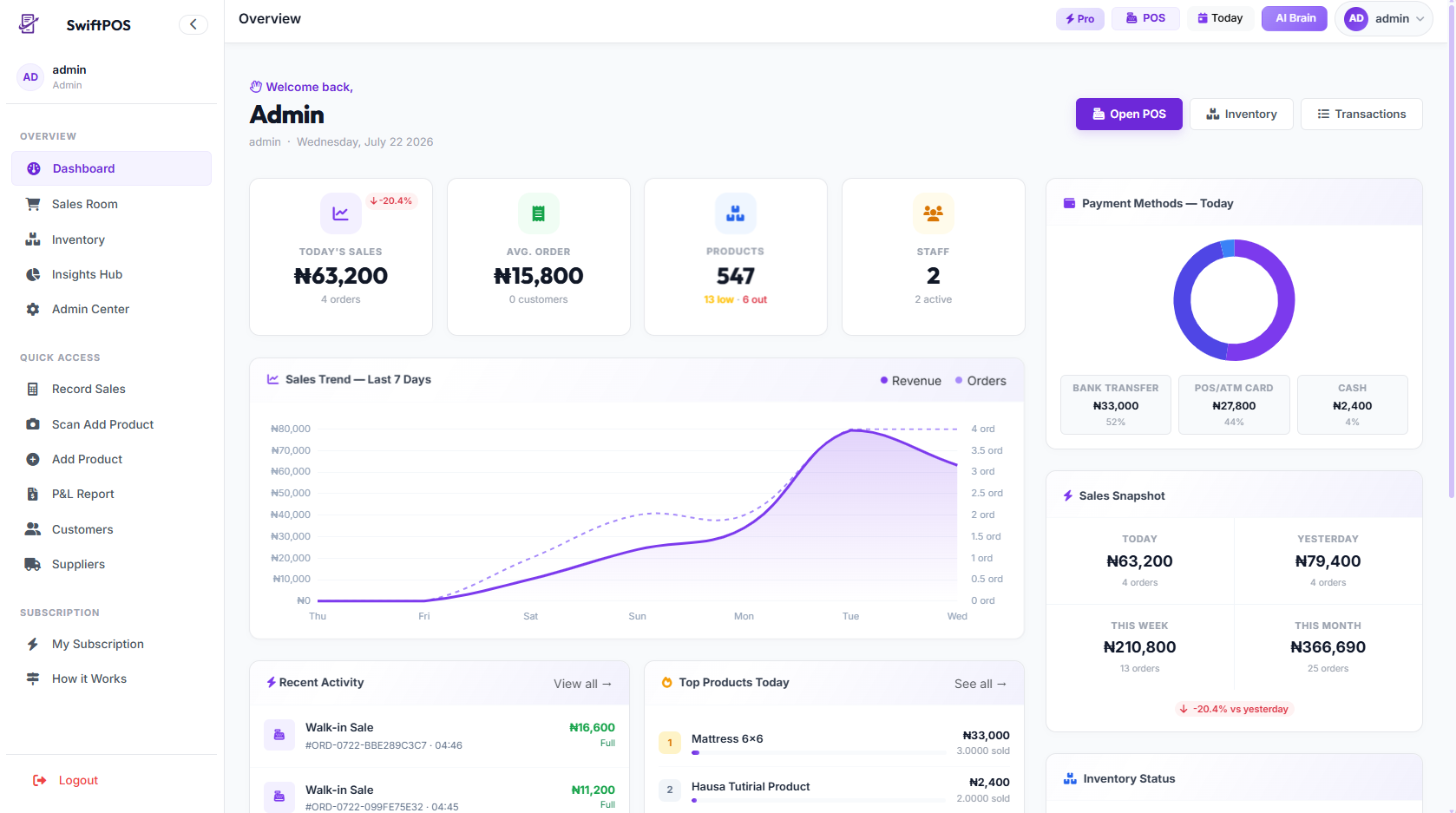
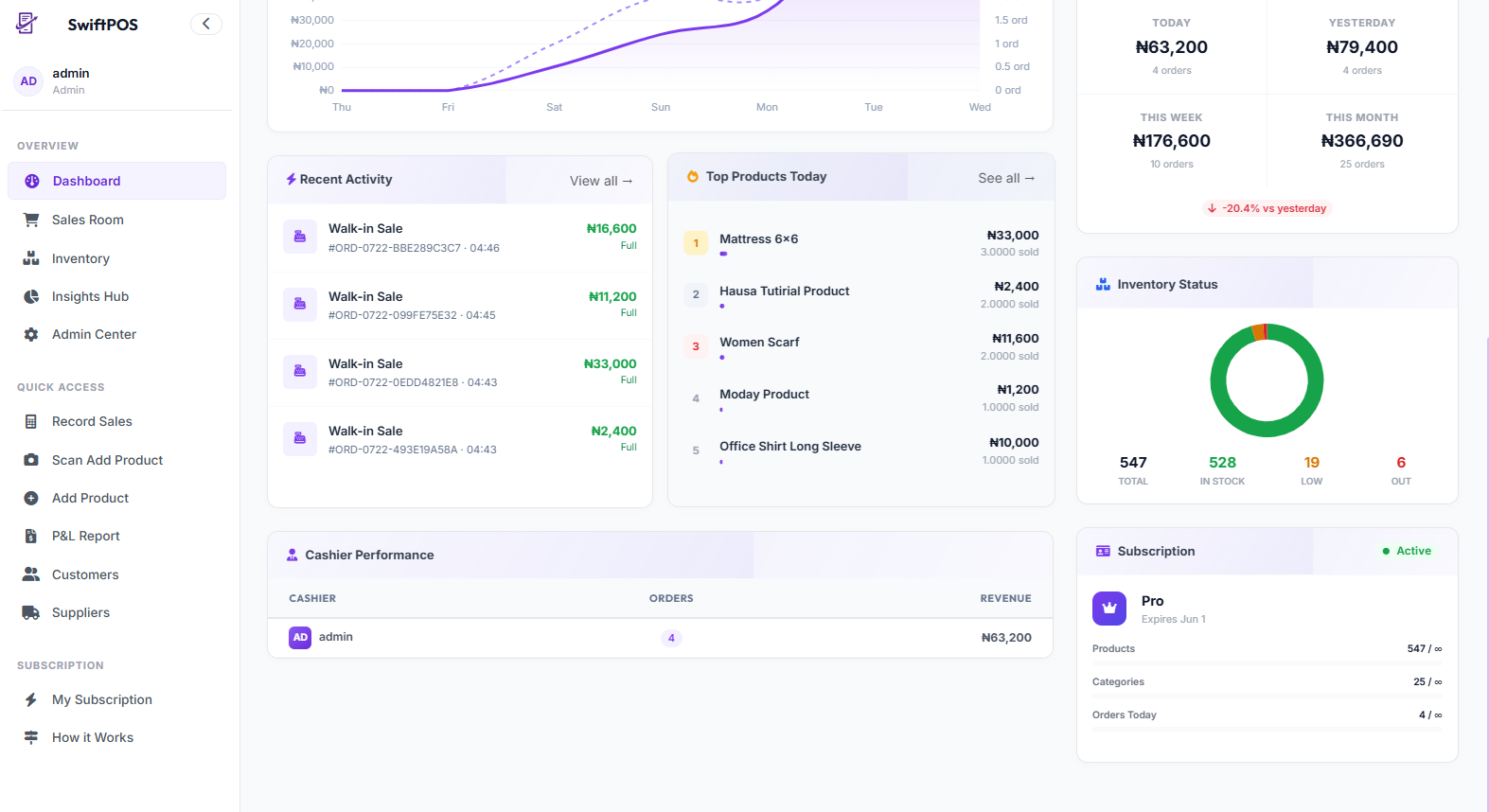
The SwiftPOS mobile experience gives you the freedom to monitor sales, verify stock, and receive real-time alerts from anywhere in the world.
- Real-time Business Intelligence Dashboard
- Low-Stock & Suspicious Activity WhatsApp Notifications
- Full staff cashier activity and cart deletion audit streams
- Device Compatible: Desktop, Tablet, custom POS machines, & Mobile browsers
Ready to scale your retail business?
Join over 500+ active Nigerian businesses relying on SwiftPOS to secure their operations, control stock, and increase cashier velocities.